【Smoother Pixel Animations】Frame Count Adjustment Template (Cells Linked)【Aseprite】
A downloadable tool
Add smoother in-between frames to your pixel animations — no setup needed.
Cells are already linked, so changes in one cell instantly reflect across
all linked cells.
Just draw your frames and arrange them where you need them.
Useful for:
・ Smoothing motion with in-between frames (Interpolation)
・ Adding flicker or strobe effects (Flicker)
・ Testing different timing without redrawing(Pacing) (Preview)
This is production assistance template data for Aseprite.
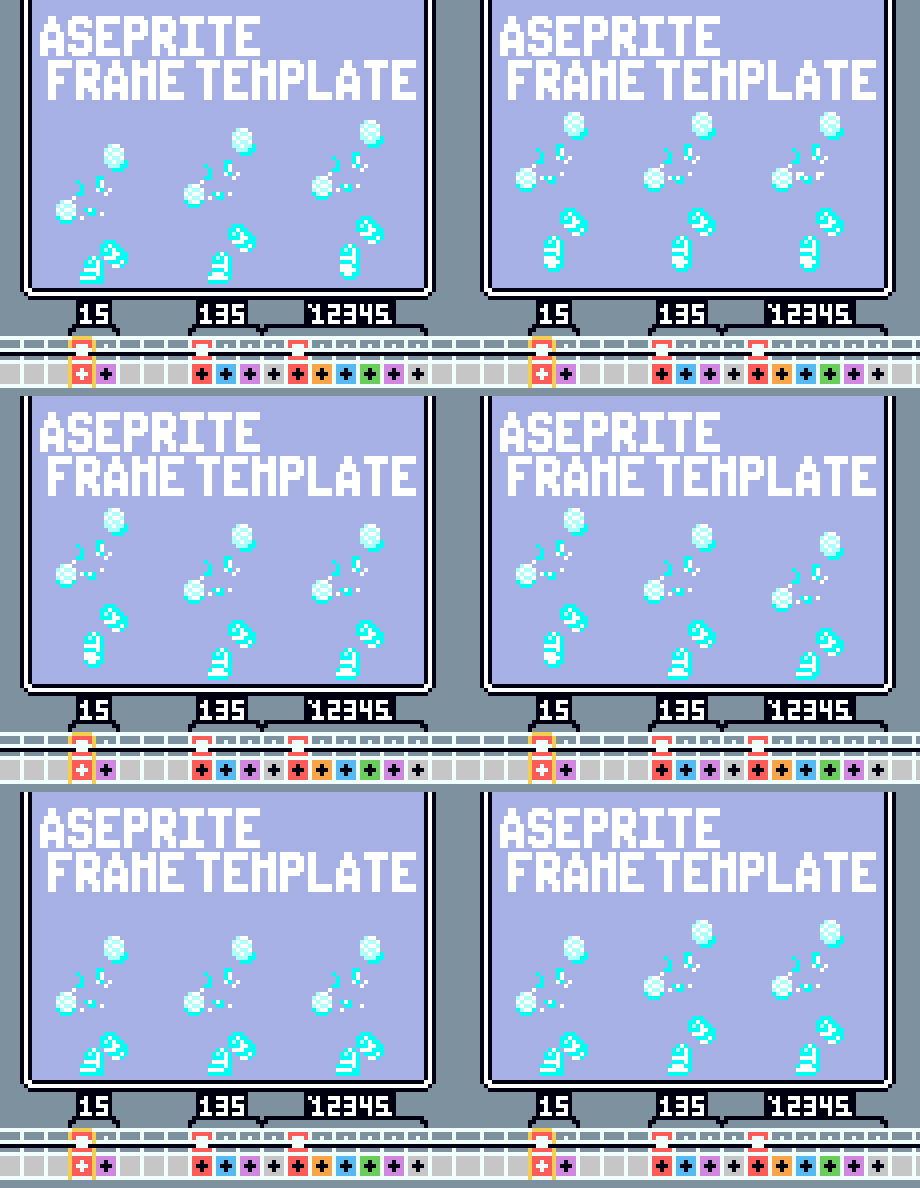
- You can draw in-between frames without adding new frames or cells, and you can also duplicate and adjust them.
- Based on a 5-frame standard, you can draw up to 21 frames per layer without adding any new frames.
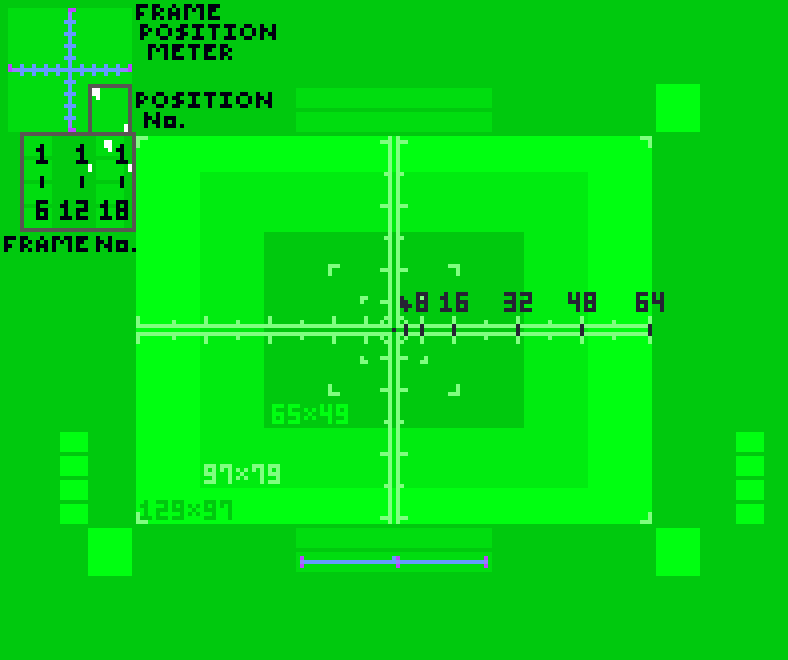
- In addition to points indicating the frame positions on each layer, graphs and cell numbers have already been assigned.
⚠ Caution
*This is for PC use only. It will not work on mobile devices or as a standalone file.
*The full version of Aseprite is required to save or export data.
The text file included in the download ZIP contains a link to the developer’s website and information about the free version.
── Includes ──
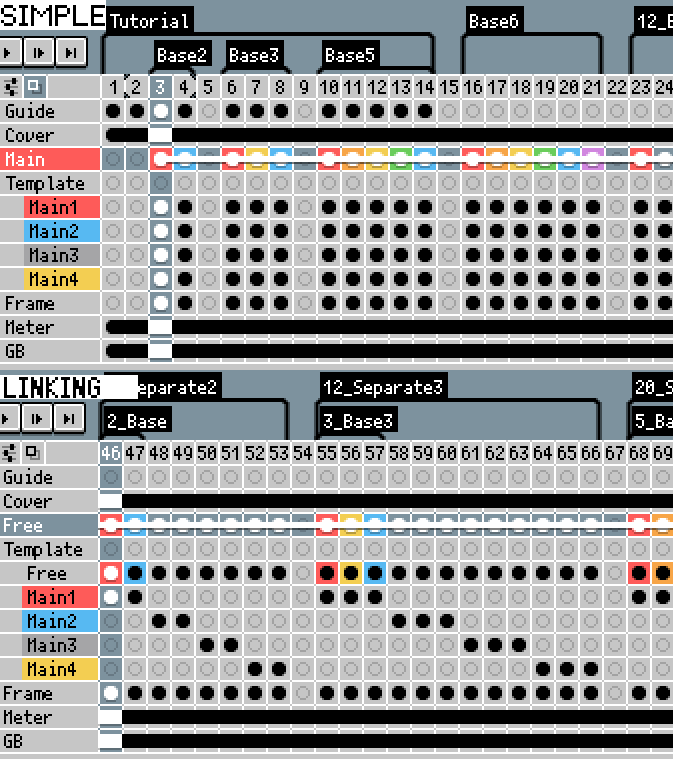
$2 — Simple version: Main layers 1–4, up to 21 linked frames per layer
$4 — Linking version: Free layer option, up to 84 linked frames
*Free Layer: A layout that combines cells from the Main 1–4 Layers into a single unit
◆Terms of Use
・Redistribution of the data, as well as unauthorized use or reproduction of usage examples, is prohibited.
・We cannot be held responsible for any issues arising between third parties due to modification or use of the data.
・Copyright belongs to the respective authors.
Instructions
1. Draw the start and end of the sequence you want to depict in the cells for frames 1 and 5.
2. Draw the in-betweens in the cells for frames 2 through 4.
3. Adjust the frames to match the desired movement and speed.
Add or duplicate in-between frames ( ’ , ) and adjust their positions to complete the animation.
・Cells are arranged based on the Frame layer number, with the previous frame represented by ‘○ and the next frame by ‘○, .
Purchase
In order to download this tool you must purchase it at or above the minimum price of $2 USD. You will get access to the following files:
Comments
Log in with itch.io to leave a comment.